From One Prompt to a Campaign-Ready Image System
A practical method for turning a single Monalisa-1 visual direction into hero assets, product crops, social variants, and ad concepts.
 Monalisa-1 Studio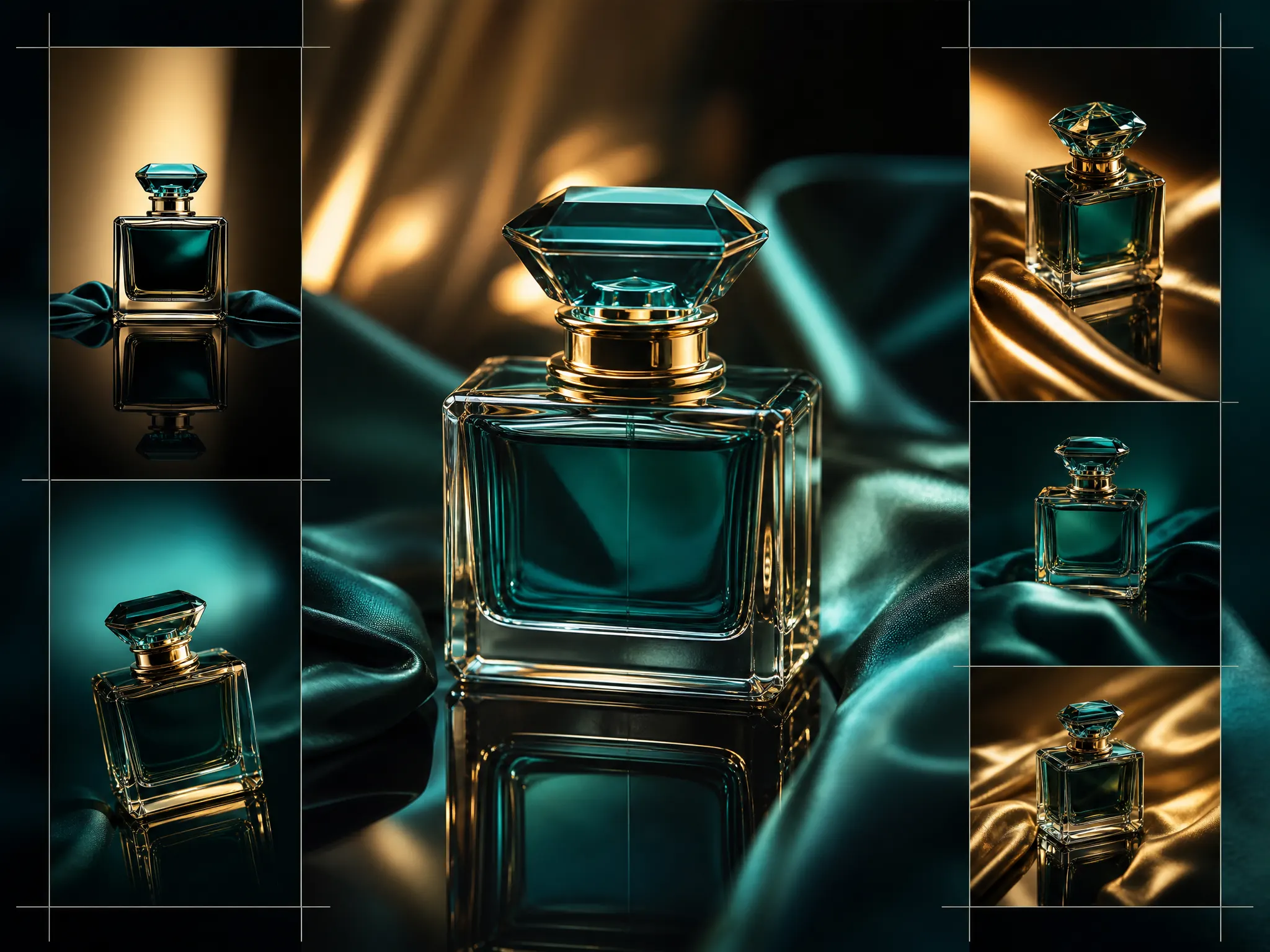
Campaign visuals rarely fail because one image looks bad. They fail when every image looks like it came from a different world. Monalisa-1 is most useful when it turns a direction into a connected system.
Define The Campaign Spine
Write a short spine before generating: the product or subject, the audience, the emotion, the palette, the lighting rules, and the commercial use. This spine should be short enough to reuse but specific enough to prevent random output.
Example structure:
subject + environment + lighting + material + brand constraints + final channel
Generate By Role
Instead of asking for ten random images, generate by role. Create a hero frame first, then supporting product crops, then square social variants, then vertical story assets. Each role should keep the same subject and lighting language while changing composition.
This makes reviewing faster. The team can approve a visual direction before spending credits on every final crop.
Keep Negative Space Intentional
Production images need room for text, buttons, price tags, or marketplace UI. Ask Monalisa-1 for clean negative space and specify where it should live: left third, upper right, bottom band, or centered hero composition.
The result is a set of images that design, marketing, and paid media teams can actually use without rebuilding the composition manually.