Reference Workflows for Consistent Monalisa-1 Outputs
How to use references, constraints, and prompt structure to keep characters, products, and lighting consistent across a visual set.
 Monalisa-1 Studio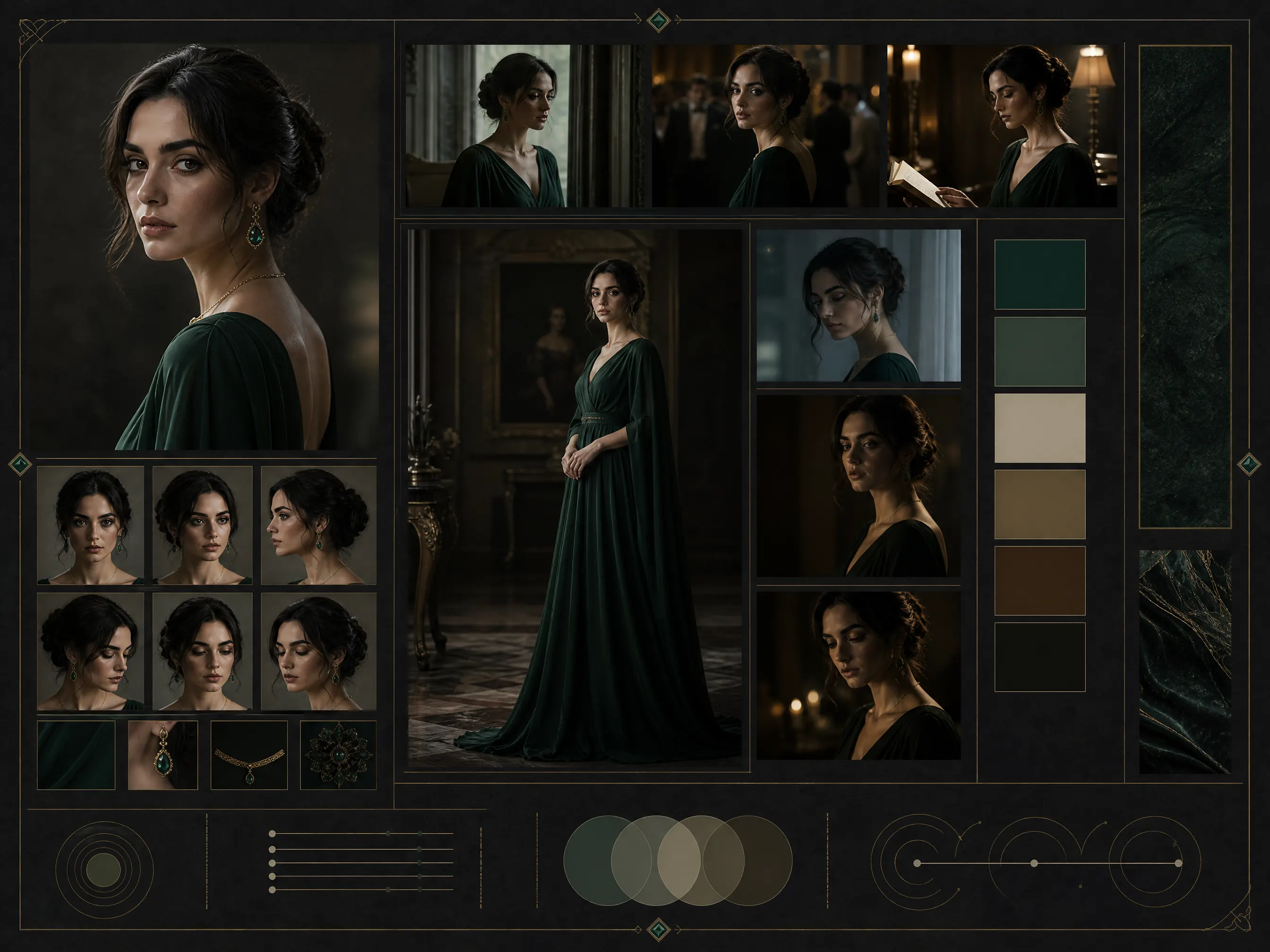
Monalisa-1 performs best when a prompt describes more than a subject. For production work, the prompt should define a visual contract: identity, references, lighting, material, camera, and where the final image will be used.
Start With The Invariants
Before generating variations, decide what must stay fixed. For a character set, this might be face shape, hair, wardrobe, and lens language. For a product campaign, it may be packaging geometry, label readability, material finish, and brand color.
Use the first prompt to state those invariants clearly. Then use later prompts to change only one or two dimensions at a time, such as background, crop, season, or mood.
Separate Direction From Detail
A strong Monalisa-1 prompt usually has three parts:
- The visual direction: mood, audience, scene, and purpose.
- The protected details: identity, product shape, logo placement, colors, and lighting continuity.
- The output format: aspect ratio, crop, resolution, empty space, and channel use.
This structure keeps each generation easier to debug. If the output drifts, you can adjust the protected details without rewriting the entire brief.
Build A Small Reference Ladder
One reference is useful. A ladder of references is better. Start with the main subject, add style or material references, then add a composition reference only when the image direction is already stable.
For teams, save the best direction as a reusable brief. It becomes a starting point for hero images, social crops, thumbnails, and marketplace variants without losing the original visual language.